
AI-Generated Images: Spotting Synthetic Media
The Rise of Synthetic Images
In 2026, AI image generation has reached a level of sophistication that makes distinguishing real from fake far more challenging than ever. Tools like DALL-E, Midjourney, and Stable Diffusion can create photorealistic images of people, places, and objects that never existed. This technological leap has profound implications for truth, trust, and digital literacy.
As an image becomes "evidence" in our digital world, the ability to identify whether it's authentic or artificially generated has become critical.
How AI Image Generation Works
Modern AI image generators use a technique called "diffusion models." These systems start with random noise and gradually refine it based on text prompts, adding details that match the description. The result is an image that appears natural but was never captured or drawn by human hands.
The technology can generate:
- Photorealistic images of people who don't exist
- Impossible or fantastical scenes that look credible
- Historical images that never occurred
- Modified versions of existing images
- Professional-looking documents and screenshots
Visual Artifacts That Still Give AI Away
Hands and Fingers
While AI has improved dramatically, hands remain notoriously difficult to render correctly. Look for:
- Incorrect number of fingers
- Fingers that bend unnaturally
- Overlapping fingers that don't look right
- Hands that don't interact naturally with objects
Text and Symbols
AI often struggles with text in images. Look for:
- Misspelled or nonsensical words
- Letters that don't align properly
- Text that appears "warped" or unrealistic
- Numbers that don't make sense
Reflections and Symmetry
AI images often have inconsistent reflections, nonsensical lighting, or impossible spatial relationships. Look for:
- Reflections that don't match the scene
- Lighting from multiple contradictory angles
- Asymmetrical faces or objects
- Edges that blur unnaturally
Background Anomalies
Backgrounds in AI images often contain nonsensical details:
- Objects that don't make physical sense
- Impossible architecture
- Strange artifacts or warping
- Repetitive or symmetrical patterns that look artificial
Metadata Analysis
Every photo contains metadata — information about when and where it was taken, what camera was used, etc. AI-generated images often have missing or suspicious metadata. Inconsistencies in metadata can suggest an image has been edited or generated artificially.
Tools that read EXIF data can reveal whether metadata aligns with the image's supposed origin.
Context and Source Checking
Sometimes the best way to identify an AI image is through context:
- Does the image come from a credible source?
- Can you find the original image online through reverse search?
- Is the image dated and attributed properly?
- Does it align with what you'd expect from the supposed source?
Using AI Detection Tools
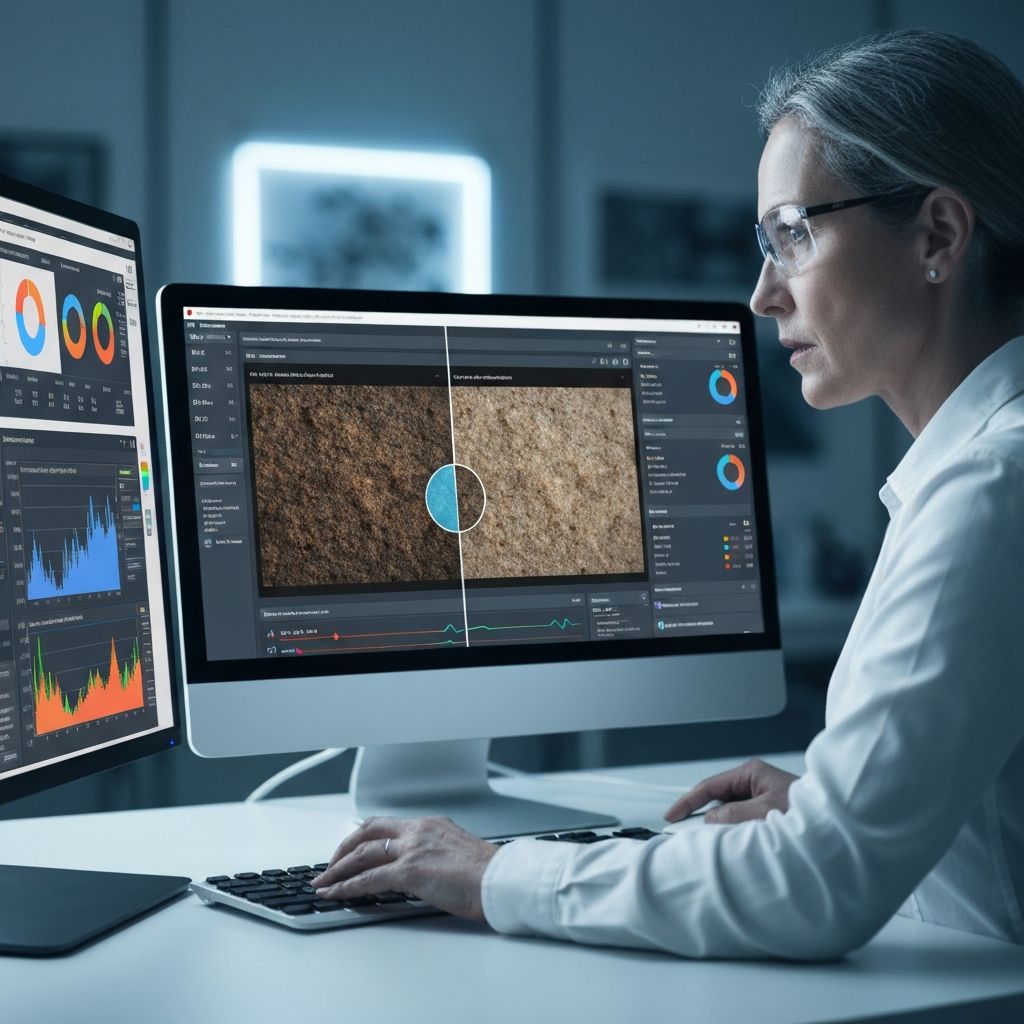
As AI image generation becomes more sophisticated, detection requires increasingly sophisticated tools. Platforms like Pixalyse use machine learning to analyze images at the pixel level, identifying patterns that suggest synthetic generation. These tools look at:
- Compression patterns typical of AI generation
- Statistical anomalies in pixel distribution
- Artifacts from diffusion model processes
- Inconsistencies between foreground and background
The Future of AI Image Detection
As AI image generation improves, detection becomes more challenging. A few developments are likely in the coming years:
Digital watermarking systems that mark AI-generated content. Technical standards that make AI images verifiable. Regulatory requirements for AI content to be labeled. Improved detection algorithms that stay ahead of generation technology. Increased media literacy so people understand the risk.
What You Can Do Now
When you encounter an image online, take these steps:
- Look closely at hands, fingers, and text
- Check the background for anomalies
- Use reverse image search to find the original
- Check the source and metadata
- Use AI detection tools like Pixalyse
- Trust your instincts — something that feels "off" often is